 PrimCut
Haki
Talking-head editor
“I've used a lot of plugins in my workflow and so far, PrimCut's the one I use the most if not, the only plugin I use in my workflow ever since I got access to it.”
Cut dead air, find the best takes, and add captions, punch-ins, and B-roll—all inside Premiere Pro.
Premiere Pro 2024+ · Windows 10/11 · Free tier included
 Premiere Pro
 WhisperOffline
 Claude
 ChatGPTCodex
 ElevenLabs
 Pexels
 Pixabay
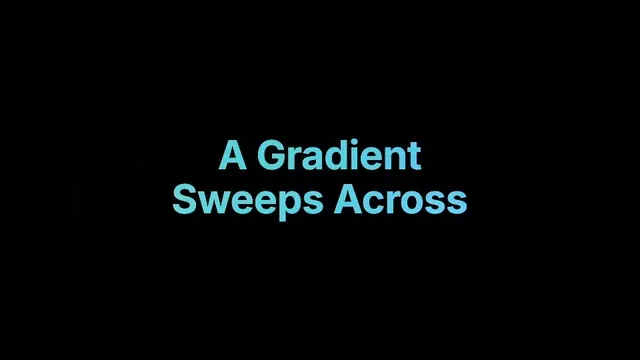
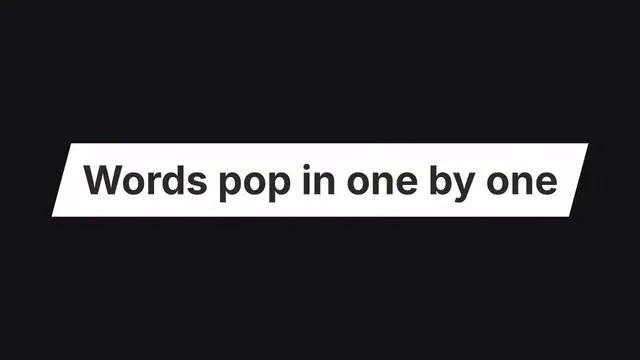
More than a MOGRT: PrimCut pairs precise word-by-word timestamps with trendy text animations, so each highlight follows your speech. Make the look yours with custom fonts, colors and highlights. More fresh animation styles are planned for future updates.
Original plugin previews. They play as they slide by; select one to pause it.
Premiere already transcribes, captions and cuts pauses. Here’s what PrimCut adds, job by job.
| The job | Premiere Pro on its own | Premiere + PrimCut |
|---|---|---|
| Cut dead air | Deletes pauses from the transcript. | See and hear every cut before you apply. Original backed up.Silence Cutter |
| Keep the best take | Flags “um” and “uh”. Retakes are on you. | Matches your script, keeps the best take, drops the rest.Rough Cut |
| Animated captions | Plain captions. Animated words are keyframed by hand. | Words light up as they’re spoken. 27 styles, or your own .mogrt.Caption Generator |
| Punch-in zooms | Keyframe every zoom by hand. | Zooms on key moments by itself. Eyes stay locked in place.Curve Zoom |
| B-roll and sound effects | Search the web, download, import. | Free clips and sounds in the panel. Auto-placed on Creator.B-Roll Finder · SFX Finder · free plan |
| Podcast multicam | Switch every angle by hand. | Cuts to whoever’s talking, all in one pass.Podcast Editor |
Every tool free for 7 days, no card. Then from $9 a month.
Everything tedious about post-production, automated and docked beside your timeline. Four tools are free forever, the rest unlock on Creator, and you can try every one free for 7 days.
Keep cleaner takes. Remove filler words, false starts and dead air. Transcribe locally or with ElevenLabs, then optionally use Claude or ChatGPT to review your transcript for repeated takes and corrected pronunciation mistakes. Preview before you cut.
Learn moreKill the dead air: remove silences automatically. Preview every cut on the waveform, listen to the tightened edit first, then apply — 1,000+ cuts in seconds, fully offline, original backed up.
Learn moreAuto captions from AI transcription on your own machine — no API key, no per-minute fees. Word-by-word animated karaoke and highlight styles, 27 built-in styles, or drag in your own .mogrt and PrimCut fills it. SRT/VTT in and out.
Learn moreTurn a long video into Shorts, Reels and TikToks. Viral Clips finds the moments most likely to land, with a title, caption, hashtags and a score for each, then cuts every pick into its own sequence, with an optional vertical 9:16 copy.
Learn moreMillions of free stock clips and photos from Pexels + Pixabay. Hover to preview, pick your resolution, import in one click — or let Auto B-Roll read your transcript and place clips for you, right up to full cover.
Learn moreFree sound effects: whooshes, impacts, clicks and risers — 100% CC0, no attribution ever. Scrub the waveform, trim in/out, drop at the playhead. On Creator, Auto places sounds from your own library at the right words.
Learn moreMOGRT templates, SFX, overlays and LUTs — a free Starter Pack of 90+ MOGRTs, premium title packs and your own folders. Live waveform previews, favorites, and trim before you place.
Learn moreConnect Claude Code once and it can use almost every PrimCut tool: cut the pauses, add captions and titles, make Shorts, and render motion graphics that PrimCut places at the right moment, 9:16 talking heads included. Each change waits for your Apply, or goes straight through on Auto, always on a copy of your sequence. It runs on the Claude or ChatGPT plan you already have.
Learn moreWatch any folder — new media auto-imports into Premiere Pro, in a bin of the same name. Waits until files finish copying, skips duplicates per project, and keeps watching in the background even with the panel closed.
Learn moreAuto multicam for podcasts: detects who's speaking and cuts to their camera — even the wide shot when everyone talks at once. Local engine included, no key needed; every switch in one pass.
Learn moreOne-click J-cuts and L-cuts. Set how far sound leads or trails the picture in frames, then apply at the playhead — or batch across every selected cut, frame-accurate.
Learn moreHold Alt and the vertical axis locks — move levers and keyframes in time without nudging their value. Snap to the nearest handle, F8 toggle, fully configurable.
Learn moreOne-click smooth zooms and punch-ins, transcript-led Auto Zoom, or alternating shots across jump cuts. Keep an eye point fixed, choose Transform on clips or layers, and shape motion with 113 easing curves.
Learn moreFind effects, transitions, saved presets and PrimCut tools in one search. Open the floating palette with your shortcut, apply an effect or a transition to every selected clip, or jump straight to the controls you need.
Learn moreRemove image backgrounds on your own machine — no uploads, no credits. Batch whole selections, compare before/after, replace the original everywhere it's used.
Learn more40+ animated titles that decode, flip and scramble into place.
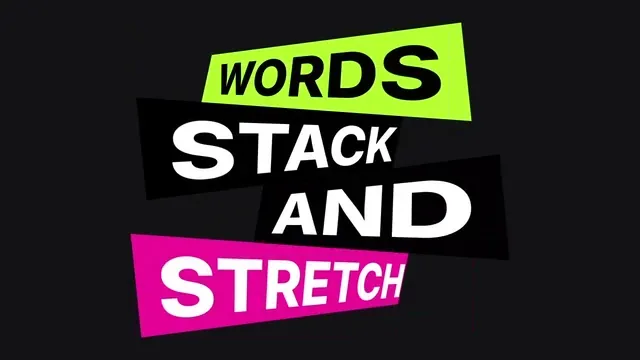
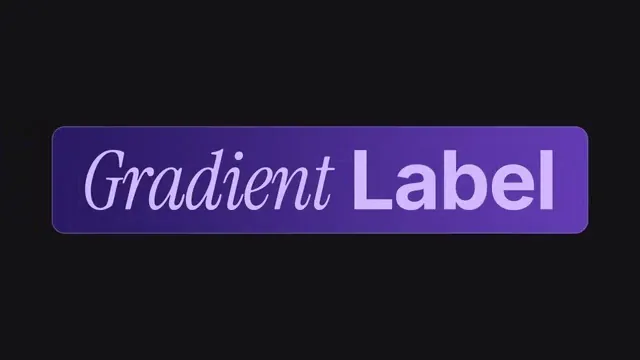

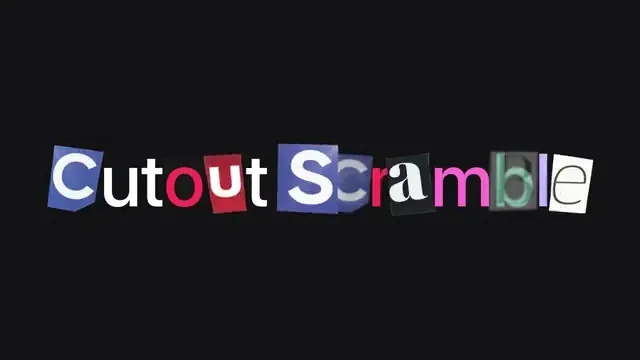
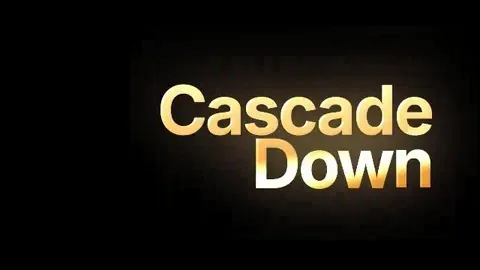
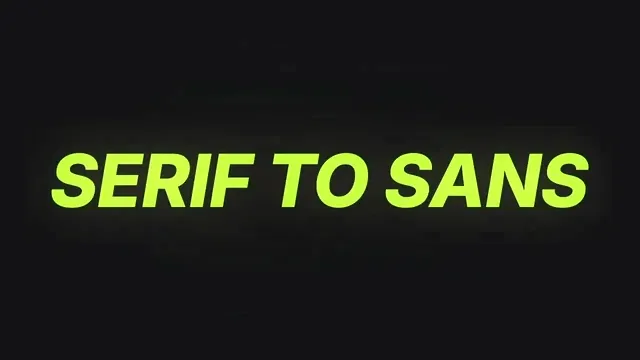
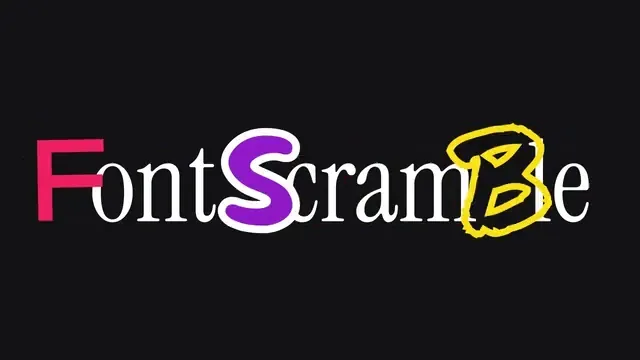
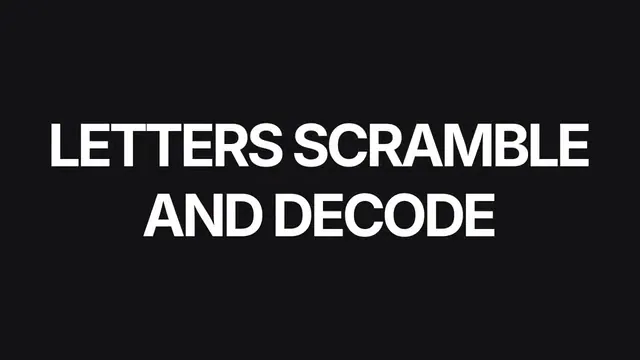
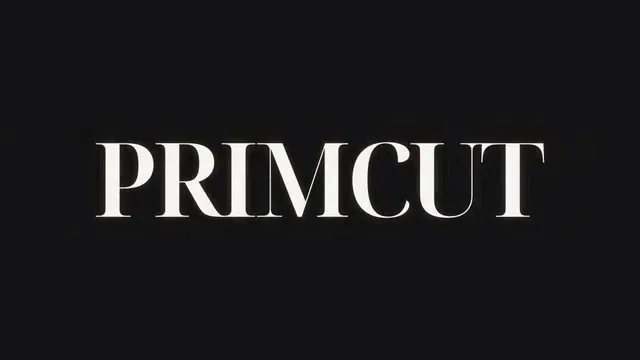
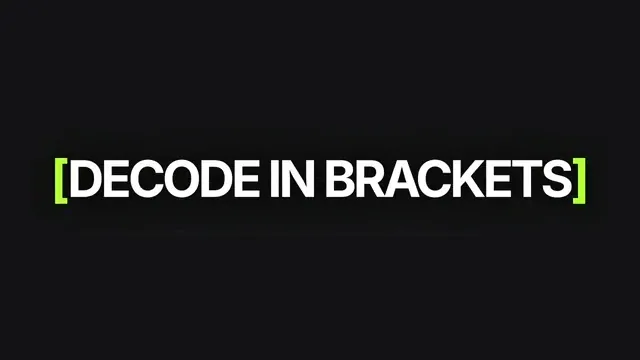
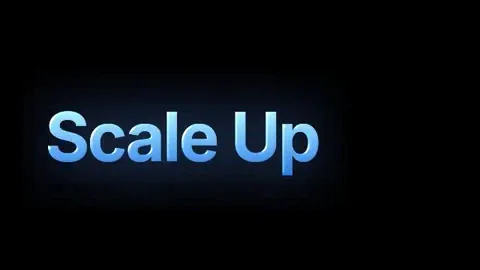
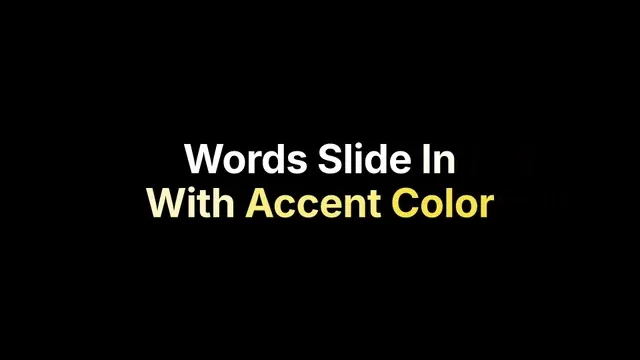
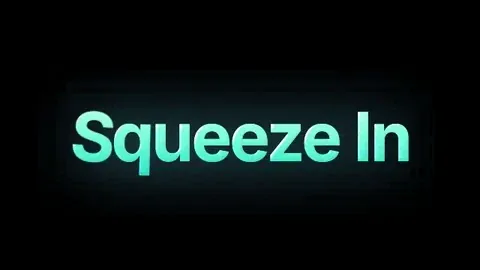
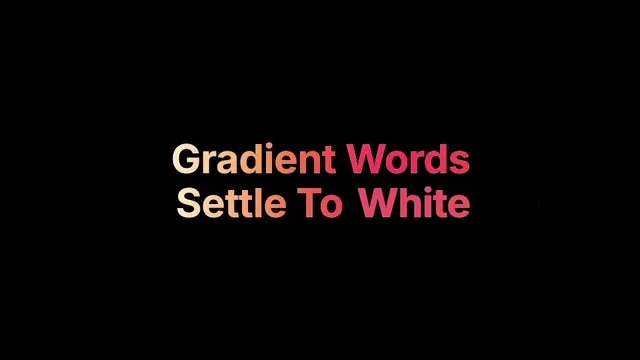
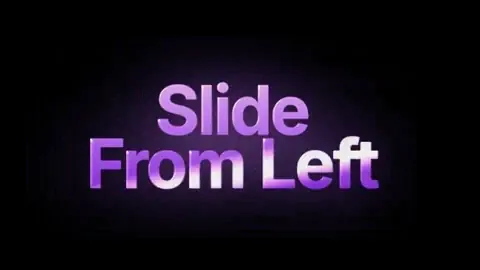

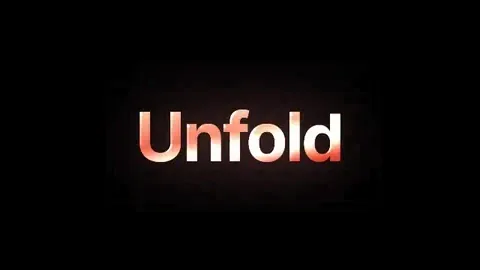
Pick one in Assets Library → Collections, type your words, and place it. More title packs are on the way.
With usage stats on, each finished run reports how long PrimCut took and nothing about your footage. These numbers come from editors’ own projects since August, not from a demo.
| Step | Typical run | Under a minute | Timed runs |
|---|---|---|---|
| Cut pauses and breathsSilence Cutter | under 10 s | 84% | 89 |
| Pick the best takesRough Cut | under 10 s | 100% | 18 |
| Style and place captionsCaption Generator | under 10 s | 94% | 265 |
| J-cuts and L-cutsJ-Cut & L-Cut | under 1 min | 81% | 21 |
From PrimCut’s anonymous usage stats, Aug 11 – Oct 29, 2026: free, trial and paid editors, with our own test runs left out. “Typical run” is the median. Times are PrimCut’s own processing, not the whole edit, and caption times cover styling and placing, not transcription. Curve Zoom, B-Roll Finder and the other tools don’t report timings yet.
Every tool is free for 7 days, no card. Run it on a recording you’d edit anyway and see what the stopwatch says.

I spent seven years editing full-time before becoming a content creator — most of it doing the same repetitive tasks in Premiere Pro: cutting silences by hand, hunting B-roll, syncing captions, organizing assets. Small actions that quietly eat up hours — especially on talking-head videos, where the small tasks add up quickly.
So I built PrimCut. Every tool comes from a real editing problem I personally deal with — not filler to make the panel look bigger. And I priced it for editors in the Philippines, India, and everywhere premium plugins are usually out of reach — because good workflow tools shouldn't only be for editors with big budgets.
Talking-head and short-form editors share their experience with PrimCut.
Read our 4 reviews on TrustpilotTalking-head editor
“I've used a lot of plugins in my workflow and so far, PrimCut's the one I use the most if not, the only plugin I use in my workflow ever since I got access to it.”

Short-form editor
“Yes! PrimCut is really worth it to use!!! It made my long hours of cutting and finding the exact tool into minutes of polishing so instead of my energy drained from cutting and stitching, finding the exact assets and tools, I am now focusing in other details of the video!”

Talking-head editor
“Definitely worth it because this plugin is packed with useful tools for everyday editing. I believe that more tools will come in the future updates.”

Talking-head editor
“Absolute all rounder tool/plugin for video editors”

Short-form editor
“It was a great tool and made my editing easier. I know that I have things to learn and the plugin boosted my interest.”
Feedback from beta participants who received complimentary access to PrimCut.
PrimCut works on your active sequence, so every tool is built to be checked first and undone easily.
Every cutting tool shows you the result first: cuts on the waveform, the takes it keeps, the tightened playback. You decide, then apply.
Silence Cutter backs up the original sequence by default, Rough Cut can duplicate it before it trims, and PrimCut MCP always works on a copy. Your untouched edit is one click away.
Captions, Silence Cutter, Rough Cut and the Podcast Editor run on your machine, with no key needed. Cloud engines are optional extras you connect yourself.
Start free forever. Try every Creator tool free for 7 days, no card.
The Free tier includes these tools.
Every tool unlocked — and you try all of it free for 7 days. Built for editors who ship content daily.
Already had your trial? Buy Creator goes straight to checkout.
Every Creator tool, on your own footage, before you pay anything.
From your account page. You keep Creator until the period ends.
Report it within 14 days of your first payment. If we can’t fix it in 5 business days, that payment is refunded. Terms
Premiere Pro 2024+ on Windows 10 or 11. On a Mac? Join the waitlist
PrimCut is Windows-only today. Leave your email and we’ll send one message the day the Mac version is ready.
PrimCut is a plugin for Adobe Premiere Pro that takes the repetitive work out of editing talking-head, podcast and short-form videos. It docks as one panel in Premiere Pro on Windows with 15 tools. Silence Cutter removes dead air. Rough Cut clears out filler words, false starts and repeated takes, or cuts to your script. Caption Generator makes animated, word-by-word captions. Podcast Editor switches cameras to whoever is speaking, and Viral Clips turns long videos into Shorts. Curve Zoom, J-Cut & L-Cut, B-Roll Finder, SFX Finder, Assets Library, Background Remover, PrimCut Eye, PrimCut Command and Keyframe Drag Assist cover the rest, and PrimCut MCP (beta) lets Claude Code run most of them for you. Transcription runs on your computer by default. Four tools are free forever, and Creator unlocks all 15 for $15 a month or $109 a year. PrimCut is built by John Tagudin, who edited video full-time for seven years.
Yes. There's a Free Forever tier with four tools you keep permanently, plus a 7-day free trial of every tool — no credit card required. After the trial, upgrade to Creator any time to keep every tool unlocked. Download PrimCut and start today.
Premiere can transcribe, caption and delete pauses, and PrimCut doesn’t try to replace that. It adds what Premiere leaves to you: waveform previews and presets for silence cuts, script matching for takes, word-by-word animated captions, automatic punch-ins, B-roll and sound effects inside the panel, and podcast camera switching. See the side-by-side.
All four put AI editing tools inside Premiere Pro. PrimCut runs on Windows only, transcribes on your own computer by default, keeps four tools free forever (AutoEdit's free plan has seven) and costs $109 a year for every tool. AutoCut and FireCut also work on Mac and with DaVinci Resolve, and AutoEdit runs on Mac too. The side-by-side comparisons cover features, prices and where each one processes your audio: PrimCut vs AutoCut, PrimCut vs FireCut and PrimCut vs AutoEdit.
Creator is $15/month or $109/year, billed in US dollars. Subscriptions renew at the selected interval until canceled, and you can cancel from your account page any time and keep Creator until the period ends. It's deliberately set below most single-purpose plugins, because PrimCut was built to be accessible for editors in the Philippines, India, and everywhere premium tools are usually out of reach.
Yes, if PrimCut doesn't work on your machine. If it won't install, won't open, or a core tool errors on a supported setup, report it within 14 days of your first payment. If we can't fix it within 5 business days, that payment is refunded in full. Refunds cover PrimCut not working rather than a change of mind, so try every tool free for 7 days first. Details in the Terms and on the Support page.
Adobe Premiere Pro 2024 or newer on Windows 10/11. macOS isn't supported yet. Questions? Contact support@primcut.app.
Every cutting tool shows a preview first and changes nothing until you apply. Silence Cutter backs up the original sequence by default, Rough Cut can duplicate it before it trims, and PrimCut MCP always works on a copy. PrimCut does edit the active sequence, so those safeguards keep the original one click away.
No. The panel keeps all fifteen tools — silence cutting, captions, assets, b-roll, SFX, J-cuts & L-cuts, keyframe drag assist, motion curves and punch-in zooms, podcast editing, viral clips, script matching, watch-folder auto-import, image background removal, effects, transitions & preset search, and PrimCut MCP, which lets Claude Code use almost all of them — inside your editing workflow.
Most tools run fully offline. Captions, Rough Cut and the Podcast Editor use engines that run on your machine — no API key needed. Cloud engines (ElevenLabs, Deepgram, AssemblyAI) and the AI cleanup pass (Claude, ChatGPT) are optional extras you connect yourself.
Hit Try for free — download the installer, create a free account, and you're editing in minutes. No waitlist, no invite needed.
Yes. If you make content for editors, join PrimCut Partners, our affiliate program: you earn 20% of the first payment from each customer you refer. Renewals don't earn commission. Join the affiliate program ↗
New features, tools, and updates. Subscribe if you don't want to miss out — no spam, we promise.